|
Learn more about Quoting Convenience Features
|
Additional help for accelerating your Quote Creation
We've added a few convenience features to make creating quotes as quick as possible.
For Repeat Studies:
- Clone - If you are working on a project in which you are repeating the same basic study, then cloning will speed quoting for future projects. After selecting a previous quote from "My Quotes" (alternatively, can also order from "My Orders"), then click the "Clone" action button, the study's assays and related configuration will be automatically populated in the Assay Setup step of your cart.

- My Favorites - If there are assays that you routinely order, add them to My Favorites to quickly add them to your cart in the future. Favorites can be selected from either search results or an assay detail page.

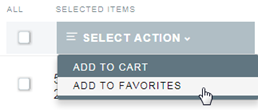
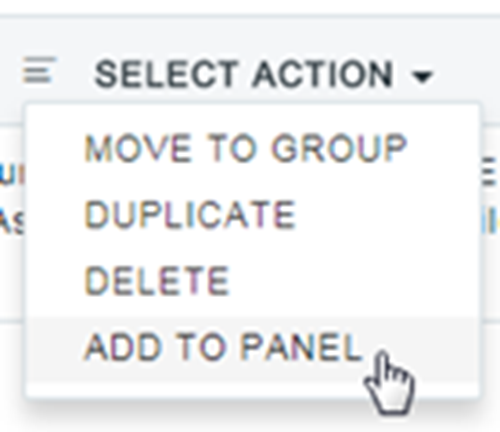
- My Panels - If there are individual assays that you typically order together for your studies, then creating a user panel will allow you to add all these assays into the cart with a single click. Assays can be added to a user panel from an assay detail page, "My Favorites", your cart, or directly in "My Panels" by editing a panel.

For Grouping of assays with the same testing parameters:
If you have a larger number of assays that you want to apply the same testing parameters to, then you may want to consider creating an assay group during your cart Assay Setup. To do so, simply:
- Select all assays that you want to group together (Note: they must also have the same letter in the "AGC" column).
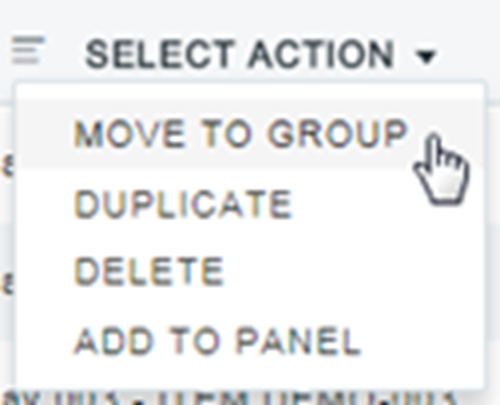
- From the "Select Action" dropdown menu, select "Move to Group"
- Once you have selected a name for your group, you can configure the assays in a single line.
|
